One house, drawn once.
Everything on this page is generated from a single 24-unit drawing and one palette, so the favicon, the app icon and the header never drift apart. Download what you need; the rules are short.
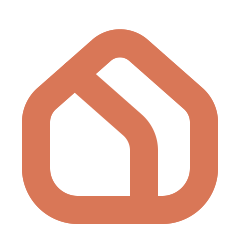
A house with a second layer inside.
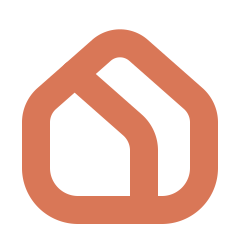
The outer stroke is the room you already have. The inner stroke — parallel to the roof, then straight to the floor — is the renovation laid over it. It sits 6 units in from the roof, so the gap between the two strokes stays open all the way down to 16 px. Every corner is a true tangent arc: roof peak, eaves, the bend of the inner stroke and the base.
- Grid
- 24 units, stroke 2.8
- Clear space
- 1× glyph height
- Minimum size
- 16 px mark · 20 px tall lockup
- Wordmark
- Be Vietnam Pro Medium, 17 / 24
- Inner stroke
- 6 units from the roof, 3.2 clear
- Solid mark
- One path; the inner stroke is a hole


Horizontal first. Stacked when the space is square.
The wordmark is Be Vietnam Pro Medium converted to paths, so the files render identically on any machine. The horizontal file carries the same margin after the wordmark as before the mark, so it centres without nudging. Ember mark with Ink type on light surfaces; all-white on dark.

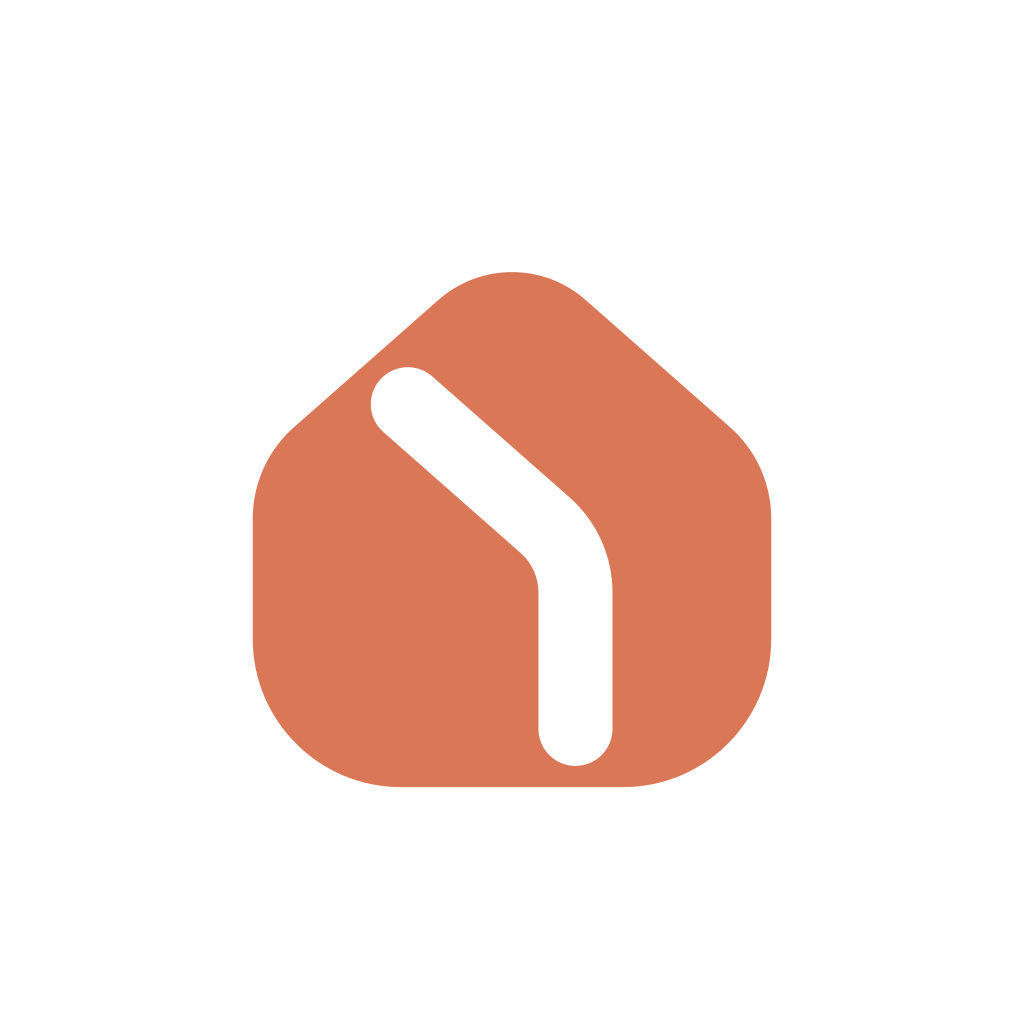
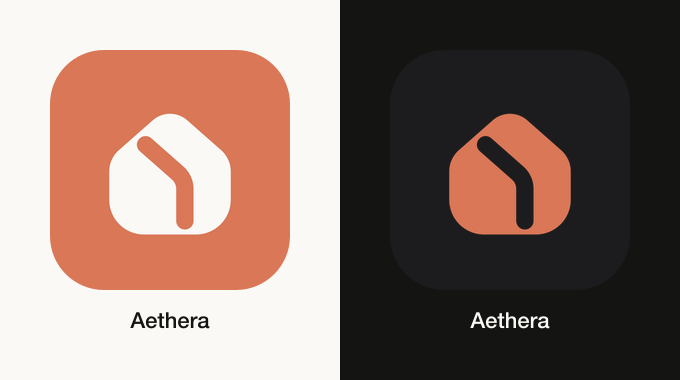
Ember tile, Bone house.
One 1024 px master in the three appearances iOS 18 asks for. The default is an opaque Ember square — Apple applies the corner mask, so the file has no rounding and no alpha. The dark variant is the Ember house on a transparent background, its inner stroke cut right through so the system's own dark gradient shows inside it; the tinted variant is greyscale. Drop the AppIcon.appiconset folder into the Xcode asset catalog as is.
It draws the way it is built.
The room comes first: the outer stroke draws from the roof down both walls and meets at the floor. Then the renovation: the inner stroke follows from the roof to the floor. In a lockup the house builds in the centre and steps aside for the wordmark. One timeline drives the CSS files, the Lottie files and the videos, so they never disagree. With reduced motion on, every version shows the finished mark.
- Easing
- cubic-bezier(.165, .84, .44, 1)
- Draw
- 1.4 s, once
- Lockup reveal
- 2.2 s, once
- Loader
- 1.6 s loop · trace 2.106 s loop
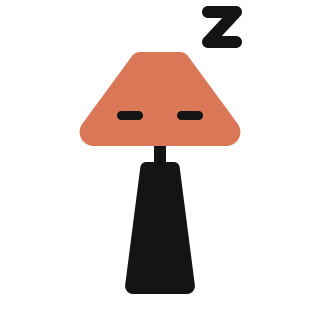
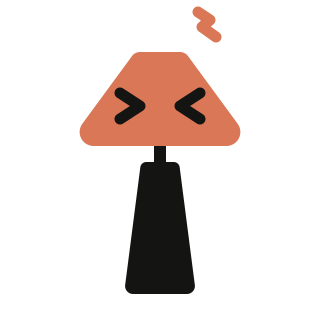
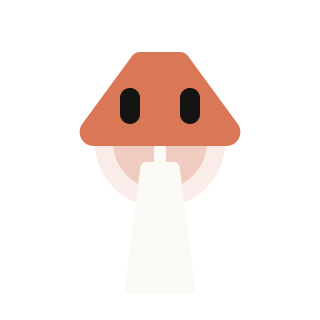
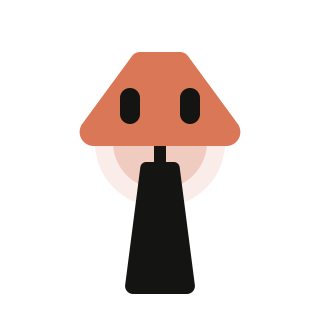
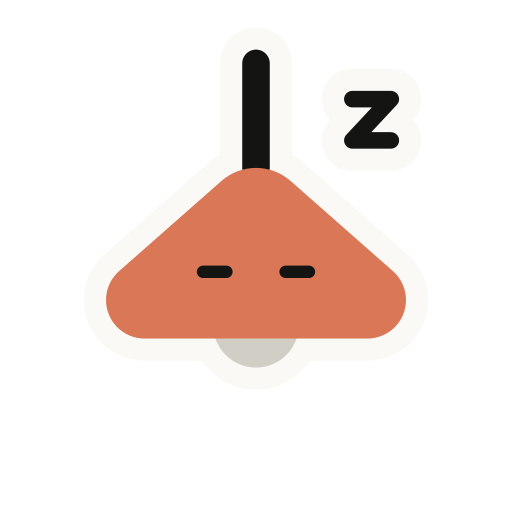
A little lamp with our roof for a head.
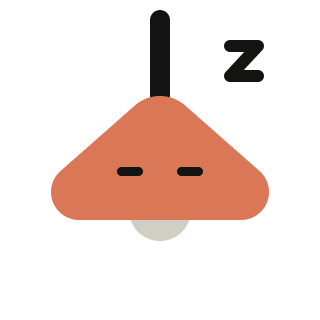
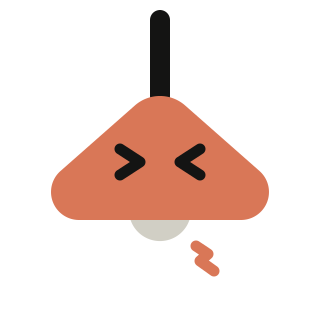
The shade is one flat Ember shape with two Ink eyes — a small bot, not an illustration — and on the pendant it is the roof of the mark. The light does the talking: a pale bulb peeking out of the pendant in a soft Ember glow when it is happy or busy; grey when it is asleep or something broke. Use it where the product talks to people — never in place of the logo, never beside it in a lockup.
See it move — interactions and motion on Atmosphere- Shade
- Solid Ember, no outline — the pendant’s is the mark’s roof
- Eyes
- Two Ink bars, 6 units apart
- Light
- A pale bulb in an Ember glow; grey when off
- Minimum size
- 24 px
Hello
Onboarding, first run, success.
Thinking
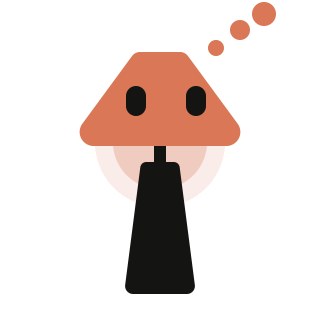
Reading your photo, generating.
Loading
Short waits, under ten seconds.
Asleep
Empty states — nothing here yet.
Oops
Errors, 404, offline.
Two lamps, one face
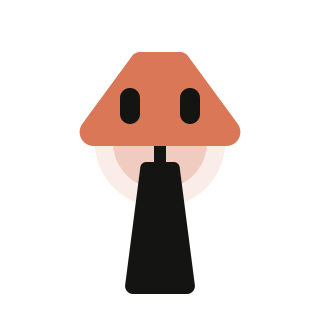
Same eyes, same light — pick the lamp that fits the screen. The pendant hangs from the top edge and drops in to say hello; the table lamp, a cone shade on a tapered base, stands on a card and says hello with a small hop, its glow pooling under the shade.
Pendant
Hangs from the top edge — headers, banners, error pages.
Table lamp
Stands on a surface — cards, empty states, onboarding.
From mascot to mark
Scaled to the logo grid, the lamp's shade sits exactly on the roof of the mark. So the hand-off is literal: the cord pulls up, the solid shade hollows out and its rim drops into walls and floor, then the inner stroke draws in. Use it to close onboarding or a video — it ends on the static logo.
To mark · 2.5 s To lockup · 3.6 s Hand-drawn · 12 fps
Onboarding chat
Drawn by hand like the site's illustrations, 12 fps. The lamp talks with its light — the glow swells and settles with the rhythm of speech. The words are rendered by the app inside the bubble, so they translate and stay readable; the animation only carries the lamp and the bubble. Play it by marker:
- intro
- Once, when the screen opens.
- typing
- Loop while the next message is coming.
- talk
- Loop while the message text appears.
- listen
- Loop while waiting for the user.
- outro
- Once, when onboarding ends.
The same lamp, drawn by hand.
Inside illustrations the lamp joins the site's hand-drawn animations on their terms: ink line instead of flat shapes, the roof shade and the light kept. In the hero, switching the lamp on lights the room underneath it.
- Frame rate
- 12 fps, redrawn every frame
- Ink
- ≈ 2% of the frame
- Fills
- Oat for icons, Ember for heroes
- Playback
- Intro once, then loop
HelloOnboarding, success. ThinkingAnalysing the photo. LoadingShort waits. FindingMatching products in stock. ImaginingGenerating a redesign.
Two warm accents, one job each.
Ember is the colour of the mark. Rust is the colour of emphasis in text and buttons — it is the one that passes contrast on Bone. The neutrals are Bone and Ink; there is no grey.
Ember#D97757
The mark, and accents on dark surfaces. Never small text on Bone (2.6:1).
Rust#9C4A1E
Emphasis text, buttons and links on light surfaces (5.3:1).
Rust Deep#7F3A16
Hover and pressed state of Rust.
Bone#FAF9F5
Primary surface.
Bone Raised#F0EEE6
Raised surfaces and cards.
Bone Line#D1CFC5
Hairlines and dividers.
Ink Muted#5E5D59
Secondary text.
Ink#141413
Primary text and dark surfaces.
Be Vietnam Pro, three weights.
Three weights, nothing heavier than Medium. Hierarchy comes from size and tracking, not from bolder cuts.
- 300 Light
Renovate any room from one photo.
- 400 Regular
Every object resolves to a product in stock near you.
- 500 Medium
Aethera — design and checkout in one app.
- Use the Ember mark with the Ink wordmark on Bone; the all-white lockup on Ink or photography.
- Keep clear space of at least one glyph height on every side.
- Never render the mark smaller than 16 px, or the lockup shorter than 20 px.
- Animate the mark only with the files under Motion: the outer stroke draws from the roof down both sides, then the inner stroke follows.
- Use the solid mark where a stroke would vanish — favicons, app icons, avatars — and for one-colour reproduction such as embroidery or embossing: its inner stroke is a real hole, so nothing fills in.
- Recolour the mark outside Ember, Ink and White, or set Ember type smaller than 24 px on Bone.
- Stretch, rotate, outline, add shadows or gradients, or redraw the inner stroke.
- Spin, bounce, pulse-scale or morph the house in motion — it builds, it never wobbles.
- Put the mascot inside a logo lockup, recolour it outside Ember and Ink, outline its shade, or give it a mouth — the eyes and the light carry the mood.
- Place the mark on Rust or Ember backgrounds — the two-tone reading disappears.
- Set the wordmark in any face but Be Vietnam Pro Medium, or rebuild it as live text in artwork.
Every file, straight from the source drawing.
SVG for anything that scales; PNG only where a platform demands it. Regenerate the whole set with one command in the repository if the geometry ever changes.